


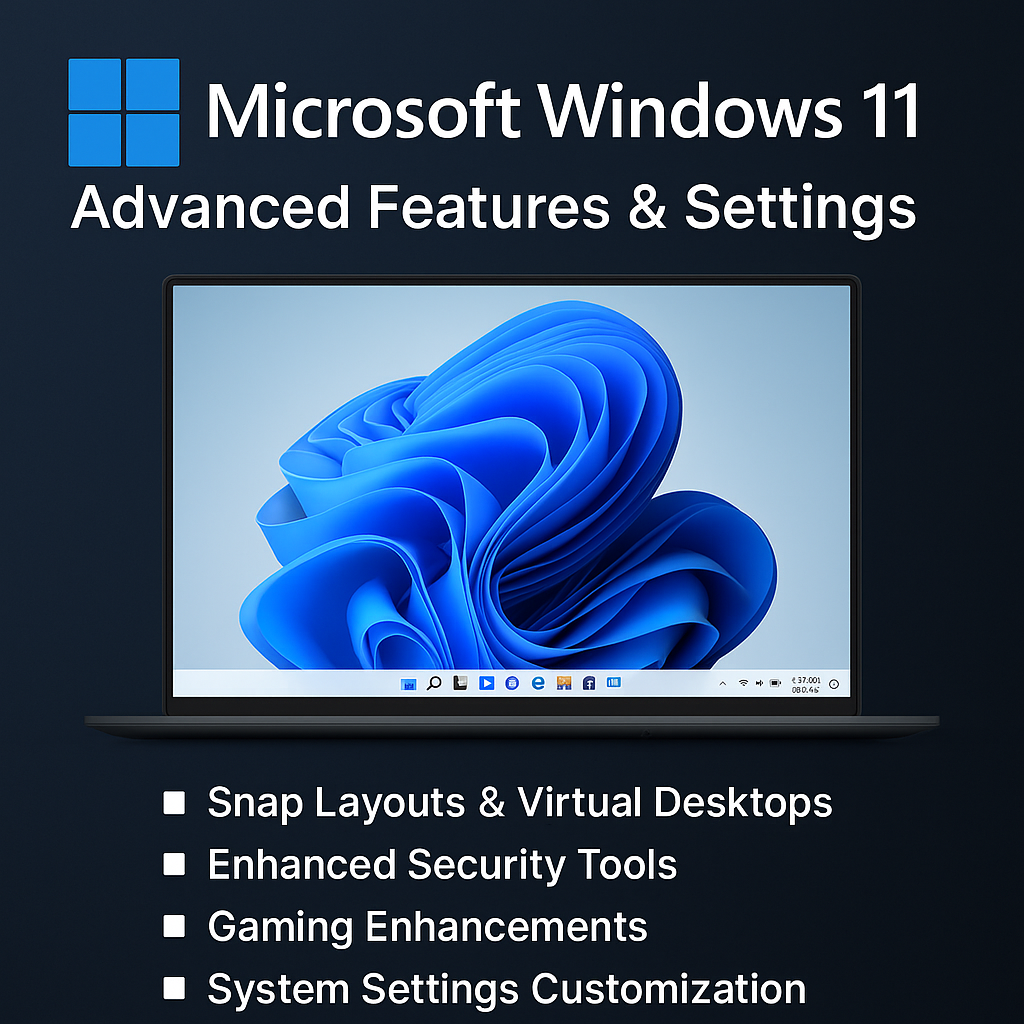
Description
Windows 11 represents the future of personal computing with its modern design, speed improvements, and advanced settings that allow users to fully customize their experience. While most people stick to the basics, Windows 11’s deeper features give you complete control over productivity, performance, and security. This guide reveals the advanced capabilities that transform Windows 11 into a powerhouse for work, gaming, and creativity.
1. Advanced Productivity & Multitasking
-
Snap Layouts & Snap Groups: Organize multiple windows on your screen with predefined layouts. Perfect for managing projects, multitasking, or research.
-
Virtual Desktops: Create separate desktops for work, entertainment, or study. Customize each with unique apps and backgrounds.
-
Focus Sessions: Integrated with Microsoft To-Do and Spotify, Focus Sessions help reduce distractions and boost efficiency.
2. Customization & Personalization
-
Dynamic Widgets: Access personalized news, weather, and app shortcuts directly from your taskbar.
-
Advanced Display Settings: Manage HDR, refresh rates, and scaling for smoother visuals.
-
Taskbar & Start Menu Tweaks: Move the taskbar, customize pinned apps, and streamline your workspace.
3. Security & Privacy Enhancements
-
Windows Hello: Use facial recognition, fingerprint scanning, or PIN codes for fast, secure logins.
-
BitLocker & Device Encryption: Protect sensitive files with enterprise-grade encryption.
-
TPM 2.0 Integration: Ensures secure boot processes and advanced malware protection.
-
Privacy Dashboard: Control which apps access your microphone, camera, or location.
4. Performance & System Optimization
-
Resource Monitor & Task Manager: Advanced tools to monitor CPU, memory, GPU, and disk usage.
-
Storage Sense: Automates disk cleanup by removing temporary files and managing OneDrive storage.
-
Battery Optimization: Optimize performance on laptops with advanced power profiles.
-
Startup Manager: Disable unnecessary apps from launching at startup for faster boot times.
5. Gaming Features
-
DirectStorage: Dramatically reduces game load times by leveraging NVMe SSDs.
-
Auto-HDR: Enhances colors and visuals in supported games.
-
Xbox Game Pass Integration: Direct access to cloud and PC gaming through Windows 11.
-
Game Mode: Prioritizes CPU and GPU resources for smoother gameplay.
6. Networking & Connectivity
-
Wi-Fi 6E Support: Faster, more stable wireless connections for modern routers.
-
Advanced Bluetooth Settings: Improved device pairing and low-latency streaming.
-
Remote Desktop: Securely connect to another PC for remote work or tech support.
7. File Explorer & Advanced Storage Tools
-
Tabs in File Explorer: Work with multiple folders in a single window.
-
Cloud Integration: Seamless OneDrive syncing across devices.
-
Storage Spaces: Create redundant or mirrored drives for data protection.
8. Developer & Power User Tools
-
Windows Subsystem for Linux (WSL): Run Linux directly inside Windows without a VM.
-
Hyper-V Virtualization: Create and manage virtual machines.
-
Windows Terminal: A modern, customizable command-line experience.
-
Registry Editor & Group Policy: Fine-tune deep system configurations.
Why Master Advanced Features?
Exploring advanced settings gives you:
-
Better Performance: Optimize system resources.
-
Enhanced Security: Keep your data safe.
-
Complete Customization: Tailor Windows to your workflow.
-
Future-Ready Technology: Access cutting-edge gaming, productivity, and AI features.
Final Thoughts
Microsoft Windows 11 is more than a sleek redesign—it’s a robust platform packed with advanced tools. By mastering its deeper features, you gain greater productivity, enhanced performance, and top-level security.
Whether you’re a professional aiming to streamline workflows, a gamer wanting the best performance, or a power user eager to customize every detail—Windows 11 Advanced Features & Settings unlock your PC’s full potential.
👉 Take your Windows 11 experience beyond the basics. Upgrade how you work, play, and connect with the most powerful operating system Microsoft has ever created.




Reviews
There are no reviews yet.